Website Analytics Tools for UK Small Businesses: 3 Practical Options
A small business website can look fine and still hide the important problem. The contact form may be buried too low. The local service page may be getting visits but no enquiries. A paid traffic campaign may be sending people to a page that loads slowly or fails to explain the offer.
That is why website analytics tools for UK small businesses should not be treated as a reporting chore. They are the measurement layer that tells you whether to improve SEO, rewrite a service page, fix technical issues, or hire a specialist. The useful stack is usually smaller than people expect: one traffic analytics tool, one behaviour insight tool if you need it, and a privacy-aware option when simplicity matters more than deep attribution.

AnalysisCom is an independent editorial site. Our review approach is explained on our about page and editorial policy. Some outbound links may be commercial or affiliate links where a programme exists, but the shortlist below is based on fit, evidence, and practical use case rather than commission.
How to choose website analytics tools for UK small businesses
For most UK SMEs, the first analytics decision is not “Which dashboard has the most charts?” It is “Which question do we need answered this month?”
If your main question is where traffic comes from and whether enquiries, bookings, calls, or purchases happen, start with traffic analytics. If your question is why visitors are not acting, add behaviour insight such as heatmaps or session recordings. If your concern is privacy, cookies, consent banners, or client-facing simplicity, look at a lightweight privacy-friendly analytics product.
This matters before you hire outside help. An SEO agency, analytics consultant, or WordPress support partner can only make good decisions if the site already collects useful signals. If you are still deciding whether your issue is SEO, tracking, or strategy, compare this guide with our Analytics Consultant vs SEO Agency article.
Shortlist comparison
| Tool | Practical fit | Main strength | Watch-out | Cost signal checked on 2026-06-29 |
|---|---|---|---|---|
| Google Analytics 4 | Baseline traffic and conversion measurement | Free customer journey reporting across websites and apps | Setup and reporting can feel complex for non-specialists | Google describes Analytics as free of charge for standard use |
| Microsoft Clarity | Understanding page friction and visitor behaviour | Heatmaps, session recordings, and AI summaries | It complements traffic analytics rather than replacing it | Microsoft describes Clarity as free forever |
| Plausible Analytics | Simple privacy-friendly reporting | Cookie-free, lightweight, EU-hosted analytics | Paid plans; less suitable if you need deep ad attribution | Plausible lists traffic-based paid plans with a trial |
Option 1: Google Analytics 4 for a free measurement foundation

Google Analytics is the default starting point when a UK small business needs basic website measurement without adding software cost. Google says Analytics helps businesses understand the customer journey and improve marketing ROI, and its help documentation describes GA4 as event-based rather than session-based.
That event-based model is useful if you want to track actions that matter: enquiry form submissions, booking clicks, PDF downloads, newsletter signups, checkout events, or phone-number taps. It also makes GA4 a sensible foundation if you later hire a consultant to clean up conversion tracking or connect reporting to Google Ads.
The tradeoff is usability. GA4 is powerful, but many small business owners find the interface harder to interpret than older traffic dashboards. A page can show users, sessions, events, key events, attribution, and engagement metrics without clearly telling an owner what to fix next. TechRadar's 2026 review of Google SEO tools also notes the strength of Google's free data while pointing out that the wider Google toolset can feel fragmented across separate interfaces.
Choose GA4 when you need a free baseline, use Google Ads, want conversion tracking, or expect an external specialist to audit your setup later. Do not choose it as your only tool if your immediate problem is visual page friction, because GA4 tells you what happened more easily than why it happened.
A practical first setup is simple: create one GA4 property, add the tag through your CMS or Google Tag Manager, define the actions that count as leads, and check the realtime report after installation. For more technical audits, pair this with our Website SEO Audit Tools for UK SMEs guide.
Option 2: Microsoft Clarity for behaviour insight without extra cost
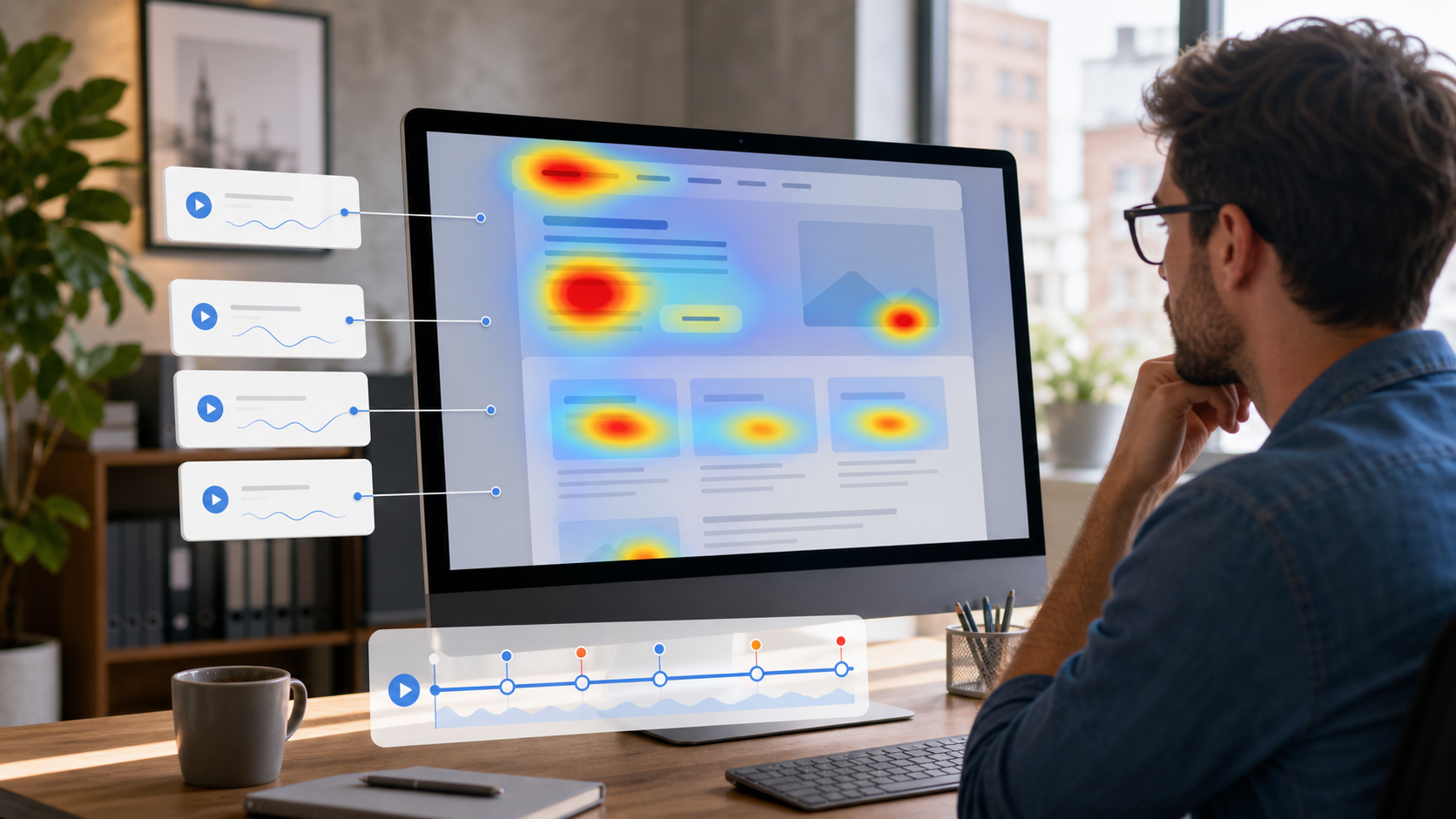
Microsoft Clarity is useful when traffic numbers are not enough. Microsoft describes Clarity as free forever and highlights session recordings, heatmaps, AI summaries, and GDPR / CCPA readiness on its official product page.
For a small business website, Clarity answers a different question from GA4. GA4 may show that a service page receives visits but has few enquiries. Clarity can help you inspect whether users scroll past the call-to-action, click non-clickable elements, abandon a form, or get distracted before reaching the offer. That makes it especially useful after a redesign, landing page launch, local SEO push, or paid campaign.
The practical value is speed. A business owner or marketing assistant can look at heatmaps and recordings without building a custom analytics report. This can make conversations with a web developer more concrete: instead of saying “the page is not converting,” you can say “mobile visitors stop before the pricing section” or “people click the image because it looks like a button.”
The watch-out is interpretation. Session recordings can be persuasive, but a few recordings should not override broader traffic and conversion data. Use Clarity to find hypotheses, then validate important fixes with GA4 conversions, enquiry counts, or controlled page changes.
Choose Clarity if your website gets some traffic but the behaviour is unclear. It pairs well with GA4 because one tool gives measurement structure while the other gives page-level context. If your business is trying to improve Google Business Profile and local landing pages, also read our Local SEO Tools for UK Small Businesses guide.
Option 3: Plausible Analytics for simple privacy-friendly reporting
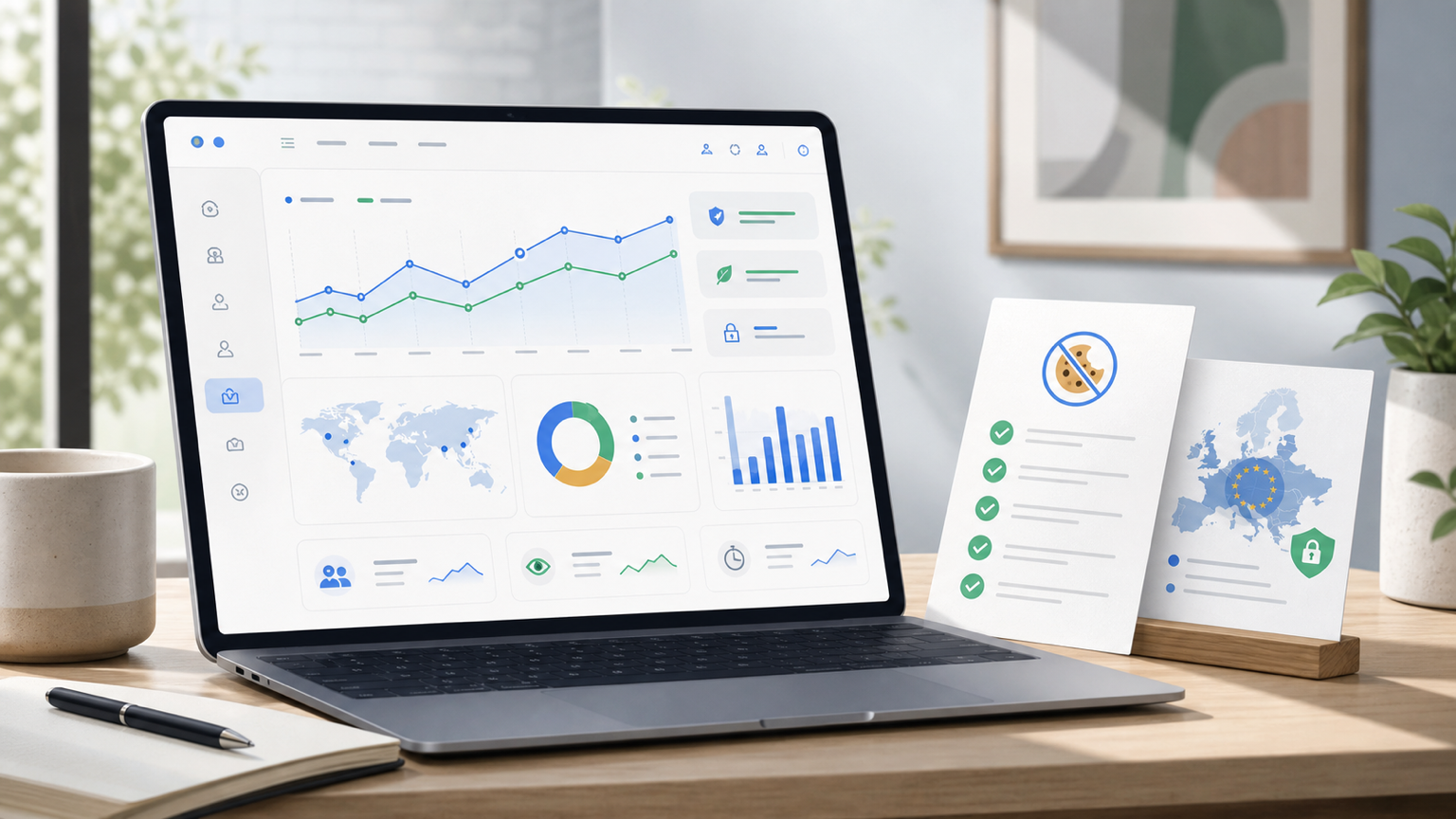
Plausible Analytics is a stronger fit when you want a simpler analytics dashboard and do not need the full Google advertising ecosystem. Plausible describes itself as cookie-free, privacy-friendly, made and hosted in the EU, and powered by European-owned infrastructure. Its official page also lists Search Console connection, UTM campaign tracking, goals, external link clicks, funnels, and user journeys.
That combination suits small sites where the owner wants a clear answer quickly: visits, sources, pages, campaigns, goals, and conversions. It also suits agencies and freelancers who need client-friendly reporting without explaining the full GA4 interface.
The tradeoff is that Plausible is usually not the cheapest path if “free” is the main requirement. Plausible lists paid traffic-based plans after a trial. It may also be too lightweight if your business relies heavily on Google Ads attribution, ecommerce funnels, or complex multi-channel reporting.
Choose Plausible when privacy posture, clean reporting, and ease of use matter more than deep ad-platform integration. It can be especially attractive for professional services, consultants, local service businesses, and editorial sites that need enough data to make content decisions without building a large marketing operations stack.
If your site runs on WordPress and the analytics decision is part of a wider maintenance review, compare it with our WordPress Service Partner Selection guide before buying a retainer.
When software is enough, and when to hire help
Software is enough when you have a simple site, low traffic, and one or two clear goals. For example, a local consultancy may only need to know which pages attract visitors, which enquiries came from organic search, and whether people complete the contact form.
Hire help when the measurement question affects money. That includes broken conversion tracking, unclear Google Ads attribution, ecommerce reporting, cookie consent uncertainty, lead quality problems, or a migration from an old setup. A consultant can also help if multiple tools disagree and nobody trusts the reports.
The most common mistake is buying a tool before defining the business action. A good analytics setup starts with a decision list: which pages should produce leads, which events count as meaningful, which channels deserve investment, and which fixes need evidence before a developer works on them.
Practical setup sequence for a UK SME
Start with one measurement goal. It might be contact form submissions, quote requests, appointment bookings, phone clicks, newsletter signups, or checkout revenue. Name that goal before installing another dashboard.
Next, install GA4 or Plausible as the traffic source of truth. Do not judge the setup by how many charts it creates. Judge it by whether you can answer “Where did enquiries come from?” and “Which pages helped?”
Then add Clarity if the site has enough visits to inspect behaviour. Use heatmaps and recordings to find friction, not to build a complete attribution model. If you find a repeated issue, turn it into a page fix and measure the result.
Finally, write down ownership. Someone should know who manages tags, who checks reports, and who decides whether an insight becomes a site change. Without ownership, analytics becomes another dashboard nobody uses.
FAQ
What are the most practical website analytics tools for UK small businesses?
A practical shortlist is Google Analytics 4 for traffic and conversion measurement, Microsoft Clarity for heatmaps and session recordings, and Plausible Analytics for simple privacy-friendly reporting. The right choice depends on whether your priority is free reporting, behaviour insight, or clean consent-aware measurement.
Do I need Google Analytics if I use Microsoft Clarity?
Usually, yes. Clarity is strong for behaviour insight, but it is not a full replacement for traffic attribution and conversion reporting. Many SMEs use GA4 or Plausible as the measurement base, then add Clarity to understand why visitors struggle on specific pages.
Is Plausible better than GA4 for UK small businesses?
It depends on the job. Plausible is simpler and privacy-focused, which can suit service businesses and content sites. GA4 is stronger when you need free deep measurement, Google Ads integration, or a setup a consultant can expand later.
Should I install all three tools?
Not by default. Start with GA4 or Plausible, then add Clarity if you need behavioural evidence. Installing too many tools without a tracking plan can slow decision-making and create conflicting numbers.
Can analytics tools replace an SEO or analytics consultant?
No. Tools collect and present evidence; they do not decide your commercial priorities. A consultant can help when tracking is broken, reports conflict, consent implications are unclear, or the business needs a measurement plan tied to revenue.
Sources
- Google Marketing Platform: Google Analytics overview
- Google Analytics Help: Introducing the next generation of Analytics
- Google Analytics Help: Set up Analytics for a website and/or app
- Microsoft Clarity: Clarity product overview
- Plausible Analytics: Plausible product overview and pricing section
- Hotjar: Hotjar and Contentsquare product overview
- TechRadar: Google SEO Tools review