Affiliate disclosure: AnalysisCom may earn a commission if you click some partner links. Our shortlist is editorial, and our review process is explained on our about page and editorial policy.
A small business website can look healthy in a dashboard and still lose useful leads on the page. GA4 might tell you that visitors landed on a service page, stayed for 48 seconds, and left. It will not always show whether they missed the pricing section, ignored the enquiry button, rage-clicked a broken menu, or stopped scrolling before the proof they needed.
That is where website heatmap tools for UK small businesses can be useful. They do not replace analytics, SEO audits, or a CRO consultant. They help you see the behaviour behind the numbers before you spend money on a retainer.
If you have not chosen a measurement stack yet, start with our guide to website analytics tools for UK small businesses. If you are deciding whether this is a consultant or agency problem, read Analytics Consultant vs SEO Agency. This article sits between those two decisions: it helps you gather page-level evidence first.

Website Heatmap Tools for UK Small Businesses: What They Actually Show
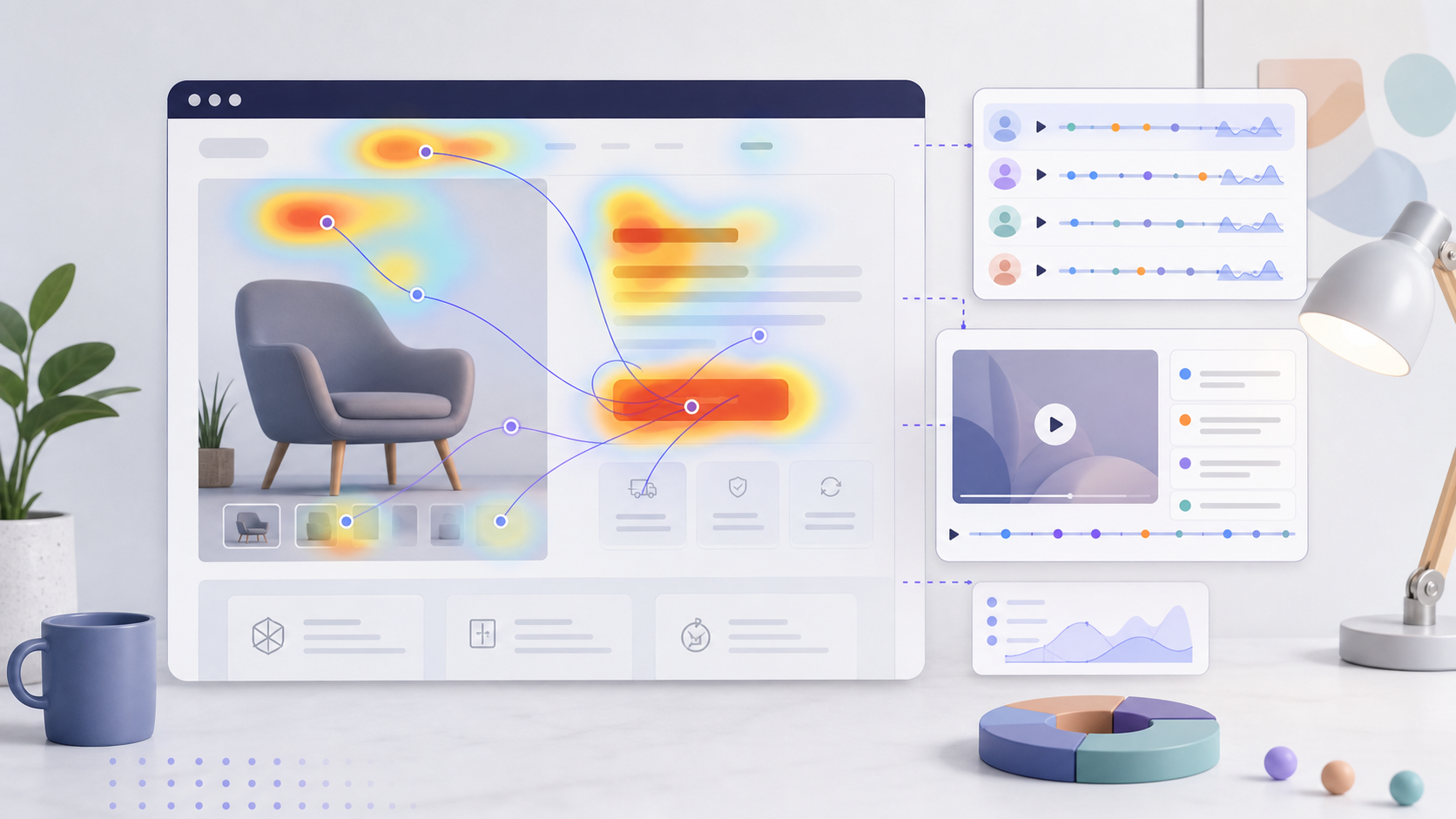
A heatmap tool turns visitor behaviour into visual evidence. The most useful views are usually click maps, scroll maps, movement or attention maps, session recordings, and sometimes form or funnel reports. For a UK SME, that evidence is most valuable when a page is important enough to affect revenue: a homepage, service page, quote form, booking page, ecommerce product page, or local landing page.
The practical question is not “which tool is universally best?” It is “which tool will help us make one better decision this month?” A low-traffic trades business does not need the same setup as a SaaS company running paid campaigns. A charity website with strict privacy review may care more about consent, masking, and retention controls than advanced A/B testing.
Use heatmaps when analytics shows a symptom but not the cause. If your quote page has traffic but few enquiries, a scroll map can show whether visitors reach the form. If your WordPress homepage gets clicks on non-clickable images, a click map can show expectation mismatch. If mobile users leave faster than desktop users, recordings can show layout friction. Those are useful inputs before you pay for a redesign, SEO campaign, or CRO audit.
Shortlist Overview
| Tool | Practical fit | Watch-outs | Official source |
|---|---|---|---|
| Hotjar / Contentsquare | Broader behaviour research: heatmaps, attention maps, rage click context, recordings, surveys | Pricing and packaging now route through Contentsquare, so check the current plan fit before committing | Hotjar Heatmaps |
| Microsoft Clarity | Free baseline for heatmaps, recordings, AI summaries, and quick page behaviour checks | Free does not mean “no compliance work”; review consent, masking, and internal access rules | Microsoft Clarity |
| Crazy Egg | Focused heatmap reports, page-level analysis, A/B testing, and conversion-oriented reporting | Paid plans are based on tracked pageviews and report limits, so choose tracked pages carefully | Crazy Egg Heatmaps |
The right first choice depends on what you already know. If you have no behaviour data, Microsoft Clarity is the easiest baseline to justify. If you need a richer research toolkit around heatmaps, replays, and feedback, Hotjar is the broader option. If you want to focus on specific conversion pages and may run tests, Crazy Egg deserves a look.
1. Hotjar / Contentsquare: Good for Broader Behaviour Research
Hotjar is now part of Contentsquare, and its official heatmaps page describes heatmaps with attention maps, side-by-side comparisons, rage click maps, and replays. It also says Hotjar and Contentsquare have been used to build millions of heatmaps across websites and apps. Those are vendor claims, so treat them as scale signals rather than a promise that the tool will fit your business.
Hotjar is a sensible shortlist option when your team wants to understand more than clicks. For example, a small professional services firm might use it to see whether visitors notice proof points, how far they scroll before abandoning a service page, and where frustration appears before a contact form. The value is not the heatmap alone; it is the combination of visual behaviour, recordings, and feedback tools.
For UK SMEs, the main buying question is packaging. Hotjar’s heatmaps now point users toward Contentsquare plans, so pricing and feature access should be checked at the time of purchase. Avoid assuming an old Hotjar plan still works the same way. If you already have a privacy or cookie consent workflow, review how the tool is loaded, which pages it tracks, and what personal data is masked.
Choose Hotjar when you want a behaviour research layer, not just a quick free check. Skip it if you only need to inspect one low-traffic page once.
2. Microsoft Clarity: Good for a Free Behaviour Baseline
Microsoft Clarity is the most obvious first experiment for many small businesses because its official site positions it as free forever and lists heatmaps, session recordings, AI summaries, AI chat, and privacy readiness claims. The same page says Clarity is used by more than 2M sites and apps globally and is GDPR & CCPA ready. Those claims are useful, but you still need to configure consent and data handling for your own site.
Clarity works well when the question is simple: “What are people doing on this page?” It can show click, scroll, and drop-off behaviour, and recordings can help you spot moments where users hesitate, miss a button, or encounter friction. A small ecommerce store could use it on collection pages. A local service business could use it on a quote page. A B2B company could use it on a demo request page.
The trade-off is that a free tool can become too easy to install casually. Do not add Clarity across every page without thinking about consent, masking, and who can watch recordings. Start with a small set of commercially important pages, record what question you are trying to answer, and then decide whether you need deeper analytics or paid CRO support.
Choose Clarity when you need low-friction evidence before spending money. Skip it if your organisation needs advanced experimentation, complex segmentation, or formal analytics governance from the start.
3. Crazy Egg: Good for Focused Page Reports and Testing Options
Crazy Egg is built around heatmap reports and conversion analysis. Its official heatmaps page describes five map types: click map, scroll map, confetti map, overlay map, and list map. It also lists filtering by date, audience segment, traffic source, or conversion status. That makes it useful when you want to investigate specific pages rather than install a broad research suite.
The pricing page is clearer than many SaaS tools. As checked on 29 June 2026, Crazy Egg lists a 30-day free trial and a Starter plan at $29/mo with annual billing, including 5,000 tracked pageviews per month, 5 heatmap reports, and 50 recordings per month. Higher plans increase tracked pageviews, reports, and recordings. Crazy Egg also says it does not charge overages; when limits are hit, collection pauses and resumes the following month.
This model suits businesses that can name the pages they care about. A UK SME could track a homepage, main service page, pricing page, and contact page without treating every blog post as equally important. That discipline matters because heatmap data becomes more useful when it is tied to a decision: move a CTA, shorten a form, test a headline, remove a distracting element, or brief a designer.

Choose Crazy Egg when you want page-level reports and may progress toward A/B testing. Skip it if your traffic is too low to support meaningful page-level patterns or if you only need a free initial look.
How to Choose Before You Pay for CRO
Start with the business question, not the feature list. If your website has no reliable traffic or analytics baseline, fix measurement first. If your analytics shows useful traffic but weak enquiry or purchase behaviour, heatmaps can help. If heatmaps reveal clear friction that you cannot fix internally, that is when a CRO consultant becomes easier to brief.
A practical sequence for a UK small business looks like this:
- Pick one to three important pages.
- Write the question you want answered.
- Run heatmaps and recordings long enough to see repeated behaviour.
- Note evidence, not opinions.
- Make one page change.
- Watch analytics and heatmap behaviour again.
This protects you from buying a CRO retainer based on vague frustration. It also protects a consultant from starting cold. A good brief might say: “Mobile users reach only 42% of the page, recordings show repeated hesitation at the pricing block, and quote-form clicks are low after the trust section.” That is more useful than “our website does not convert.”
If your issue might be technical SEO rather than page behaviour, compare this shortlist with our website SEO audit tools for UK SMEs. If the problem is your underlying site partner or maintenance setup, our WordPress service partner selection guide may be the better next step.
Privacy, Consent, and Practical Setup
Heatmap and recording tools can capture sensitive behaviour if they are configured carelessly. For UK small businesses, the safest approach is to treat them as analytics tools that need a consent and privacy review, not as harmless visual widgets.
Before installing any tool, check whether your cookie banner, privacy notice, and tag manager setup match what you plan to collect. Mask form fields by default. Avoid recording checkout, login, account, payment, medical, legal, or highly sensitive pages unless you have reviewed the risk carefully. Limit access to recordings so they are not casually watched by everyone with a marketing login.
This is also where small businesses often need help. If you are unsure whether the issue is privacy, analytics implementation, or agency selection, use your heatmap trial as a discovery step rather than a permanent install. For more on how we separate editorial advice from commercial links, see our editorial policy.
Recommended Starting Points
Use Microsoft Clarity if you want a free baseline and can keep the setup disciplined. It is the lowest-friction way to see whether heatmaps and recordings will answer useful questions for your site.
Use Hotjar if you want a broader behaviour research toolkit and expect to combine heatmaps with recordings, feedback, and journey-level analysis. It is better suited to teams that will review insights regularly rather than install once and forget.
Use Crazy Egg if you have specific pages to analyse and want a structured report model with possible testing options. It is a better fit when you can decide which pages deserve tracked pageviews and heatmap reports.
None of these tools should be treated as a substitute for strategy. A heatmap can show that users do not reach your CTA. It cannot tell you whether your offer is priced correctly, whether your market trusts you, or whether your page answers the real buying objection. Use heatmaps to sharpen decisions, not to avoid making them.
FAQ
Are website heatmap tools worth it for a small business?
Yes, if your website already gets enough meaningful visits to show repeated behaviour. They are less useful when traffic is extremely low or when the core problem is no traffic at all. Use them on pages tied to enquiries, bookings, purchases, or quote requests.
Is Microsoft Clarity enough for a UK SME?
For many first checks, yes. Clarity can provide a useful free baseline for heatmaps and recordings. The limitation is not only features; it is process. You still need consent review, field masking, page selection, and a clear question before collecting data.
Should I use Hotjar or Crazy Egg?
Choose Hotjar when you want broader behaviour research and feedback context. Choose Crazy Egg when you want focused heatmap reports, tracked page control, and a path toward testing. If cost is the first constraint, start with Clarity and upgrade only when the evidence shows a need.
Do heatmap tools replace Google Analytics?
No. Analytics tools show traffic sources, events, pages, and conversion numbers. Heatmap tools show visual behaviour on the page. The strongest setup uses both: analytics to find the problem page, heatmaps and recordings to understand what visitors do there.
When should I hire a CRO consultant instead?
Hire a CRO consultant when you already have enough traffic, clear business goals, and evidence that page changes could affect revenue. A short heatmap review can make that brief stronger, especially if it identifies specific friction rather than general dissatisfaction.